Best Prompts for Pika H3 Flex: Story, Product and Character
Five adaptable prompt templates with mode recommendations, visible acceptance criteria and credit estimates for small tests.
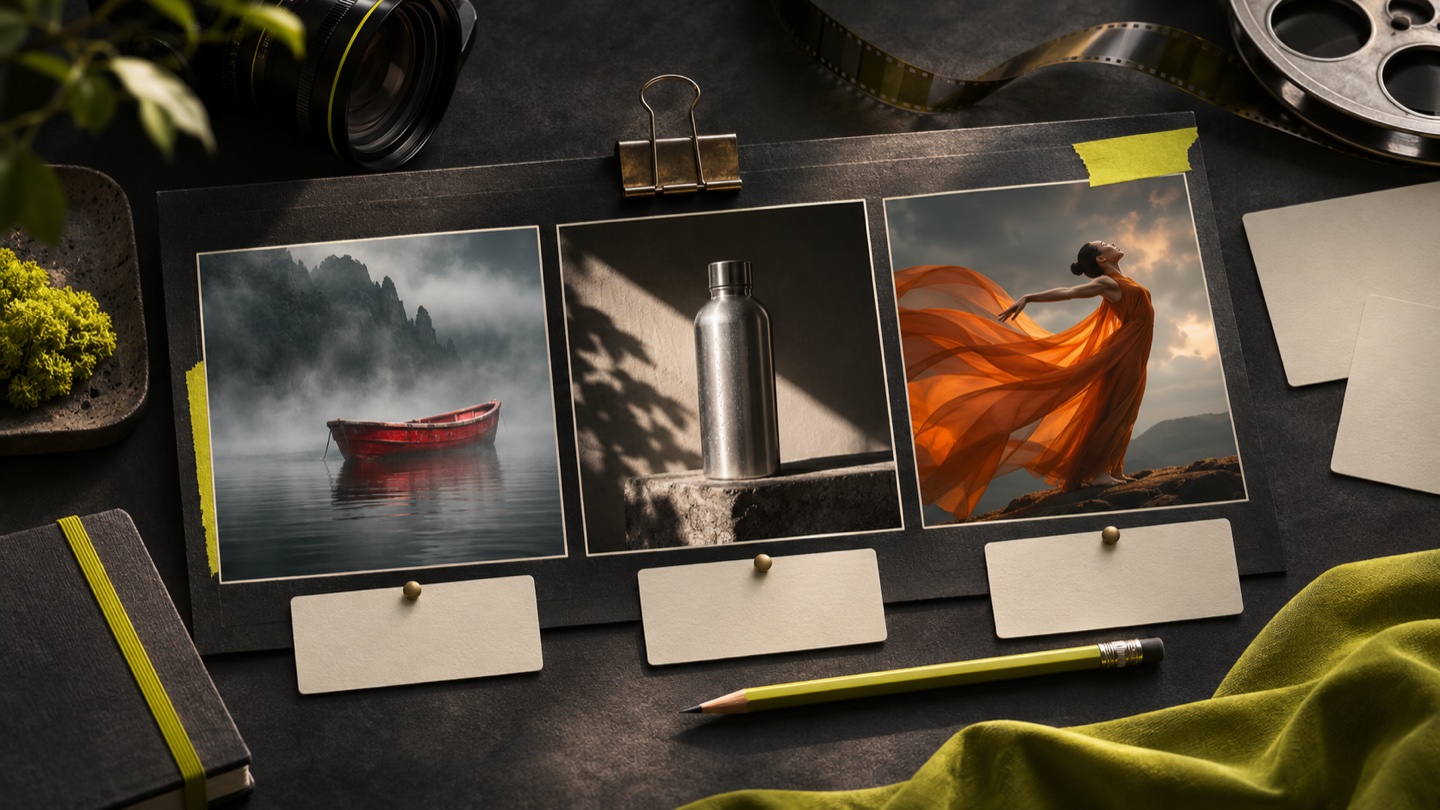
Cover: conceptual editorial artwork generated with Codex’s built-in image tool; not a Pika video output or benchmark.
The best Pika H3 Flex prompt is the one that makes your intended action clear enough to evaluate, not the longest block of cinematic adjectives. You can try the templates below directly at pikah3flex.app, an independent studio that is not an official Pika product. These are proposed starting prompts, not guaranteed recipes or claims that every scene has already been generated and benchmarked. Replace the subject and setting with details that serve your project.
A template needs an acceptance test
Before copying a prompt, decide what success would look like. A story prompt needs a readable event; a product prompt needs a stable object; a character prompt needs a coherent performance. Write one sentence describing the required outcome. This helps you recognize when a visually attractive result has missed the actual task and when a modest-looking draft is ready for a more polished finish.
Keep the essential structure: subject, environment, action, camera and sound. Change only what you need for the new use. If you replace both the object and the action, review whether the camera still makes sense. A move that reveals a perfume bottle may be too tight for a full-body dance. Templates are useful because they preserve reasoning, not because a fixed wording controls every output.
Story: a clear departure
At dawn, a small red sailboat rests beside a weathered dock in a quiet harbor. The last rope is released and the boat drifts slowly into pale mist. The camera tracks gently along the dock, keeping the boat and its reflection readable. Water taps the hull, the rope creaks briefly and distant gulls are heard. No dialogue or music. End with the boat clearly separated from the dock.
Suggested start: Text to Video, five seconds at 768p. The current estimate is 24 credits with optional rewriting enabled. Acceptance test: the viewer understands that the boat has left, and its outline stays coherent. If the release is too complicated, remove the visible rope action and begin with the boat already drifting. Do not add a second story beat until the first is readable.
Product: a controlled reveal
An unbranded matte silver bottle stands on dark stone in a quiet studio. The camera makes a slow, small push forward while a narrow highlight moves across the side. Keep the bottle upright, with a consistent cap, neck and base. Soft room tone, no speech or music. No captions or added lettering. Leave a clean, stable view of the product at the end.
Suggested start: Image to Video when you have a suitable product still; Text to Video when the object is only a concept. Five seconds at 768p costs 24 credits with rewriting in those modes. Acceptance test: the silhouette and final view are usable. For a real product needing identity guidance across a new setting, read the reference workflow, which has higher rates.
Character: movement before complexity
A dancer in a flowing orange cape stands in a simple rehearsal room. She takes two measured steps, turns once and lets the cape settle. Keep a stable full-body camera view at chest height. Afternoon side light separates the figure from the background. Gentle footfalls and fabric rustle, no dialogue. The movement has a clear finish rather than continuing into another action.
Suggested start: Text to Video for an invented character, or Image to Video when the initial appearance matters. Acceptance test: the body remains readable, the cape supports the action and the ending settles. If the costume dominates the shot, simplify the fabric instruction or increase the camera distance. Review the performance before adding a second character or moving camera.
Environment: one route through space
A quiet greenhouse contains rows of leafy plants and a narrow central walkway. The camera moves slowly forward at walking height, passing a watering can in the foreground. Leaves move slightly in a soft breeze. Light rain taps the glass roof, with no voices or music. Keep the path continuous and the motion calm. Finish looking toward a softly lit doorway at the far end.
Suggested start: Text to Video, or Image to Video if the opening greenhouse composition already exists. Acceptance test: the route remains coherent and foreground objects do not distract through abrupt shape changes. If the camera appears to jump between rooms, shorten the requested move. The purpose is a readable environment, not the maximum number of visible plants or decorative details.
Keyframes: arrive at an intentional ending
Begin with the supplied product composition and move toward the supplied final frame using a restrained camera adjustment. The object stays upright and keeps its main proportions. Lighting remains consistent while reflections change naturally with the viewpoint. Quiet studio ambience, no dialogue or added text. Settle into the ending composition early enough for the viewer to recognize the final view.
Suggested start: Image to Video with compatible first and last frames. Acceptance test: the middle of the transition is as usable as the endpoints. Check several intermediate moments rather than comparing only the supplied pictures. If the two images imply different locations or product shapes, fix the input pair before making the prompt longer. See the keyframe guide for a step-by-step review.
Set a realistic experiment budget
Five separate five-second 768p text or image tests with rewriting would use 120 credits at the current rates. This is a planning example for those modes, not a quote for reference generation. At 480p, a five-second request with rewriting uses 14 credits instead. Choose the tier that answers the immediate question and keep a reserve for the selected final version.
If an experiment succeeds at a working resolution, use Draft to Video only after checking eligibility and the displayed upgrade estimate. Do not finish every draft simply because it completed. A short note about why a version was chosen is often more valuable for the next project than keeping many indistinguishable large exports.
Build your own prompt collection
Store each successful structure with its purpose, inputs, settings and the issue it solved. Keep an alternate that failed for a known reason so you remember the boundary. Reuse structure thoughtfully, check actual pricing, and treat every new subject as a fresh creative test. The text prompt guide explains how to diagnose action, camera and audio separately when a template needs revision.
View current packs and pricing Start creating